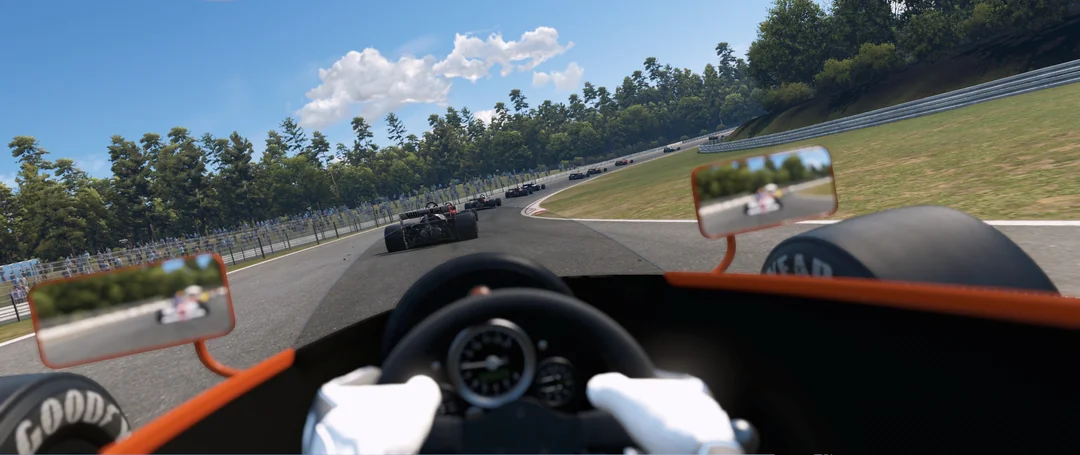
Every lap,
a flex worth posting.
Turn any session into a share-ready card: best lap, sector splits, top speed, and your driver identity, generated automatically. Drop it straight into your story or feed.
Real cards,
real laps.
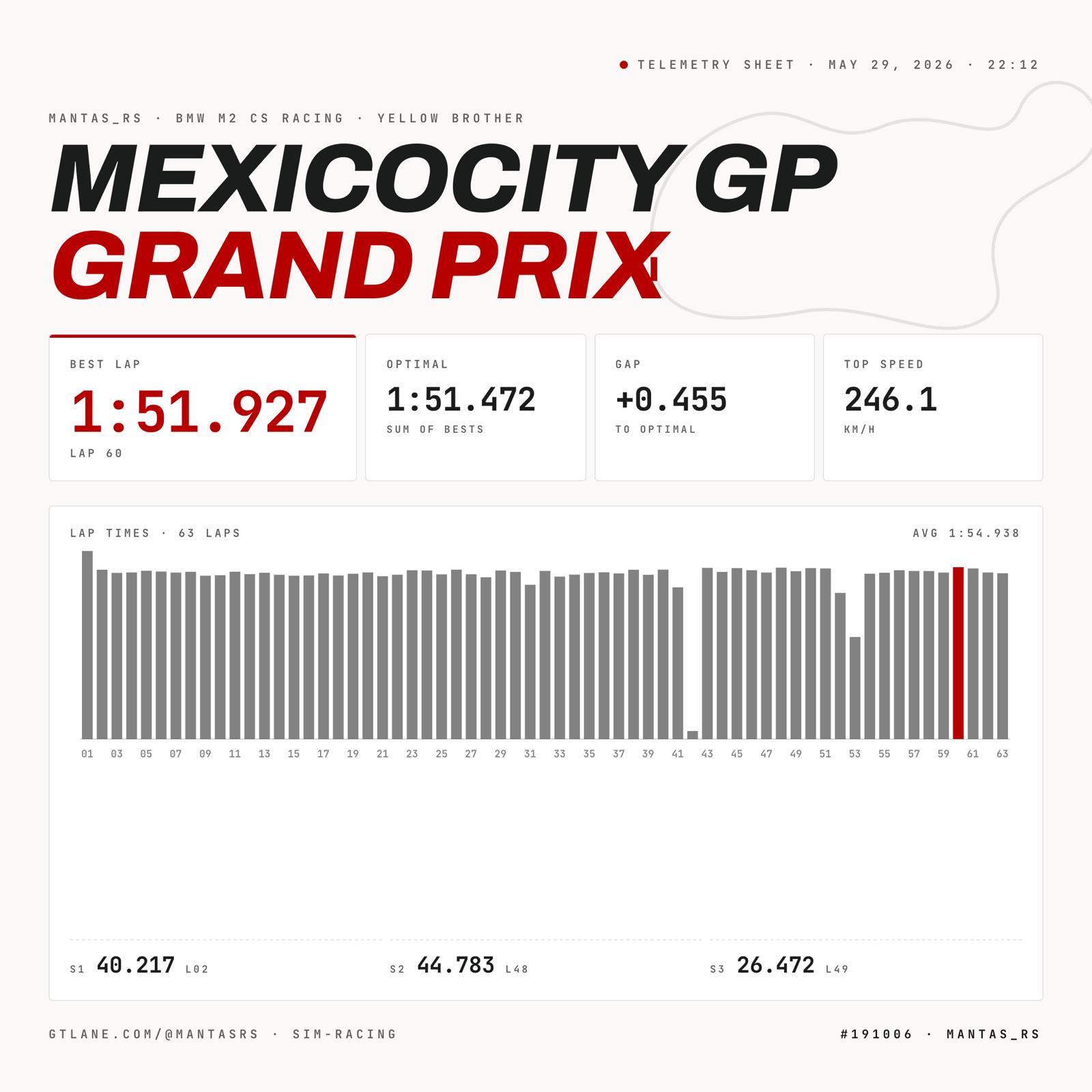
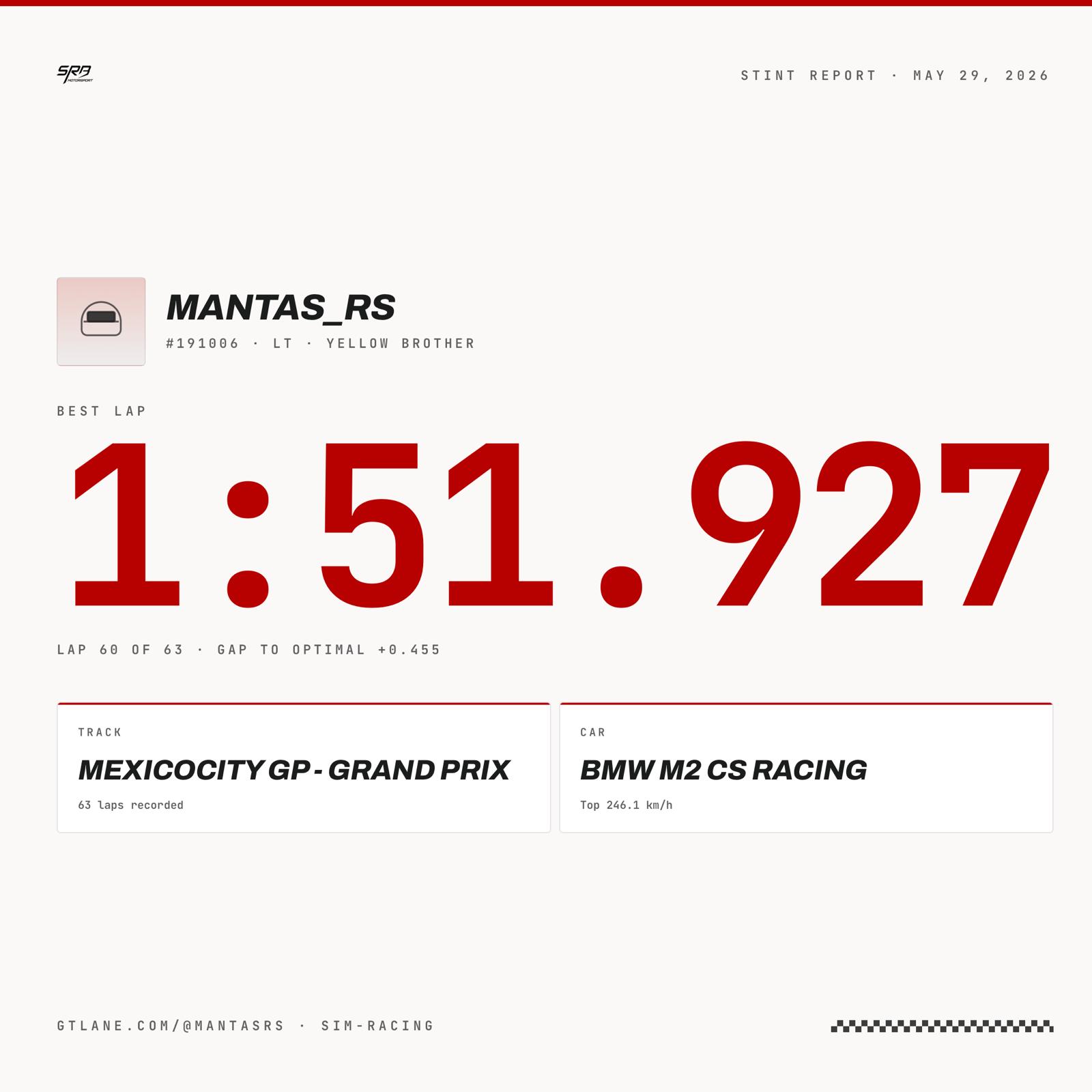
Generated automatically from your session telemetry. Here's what they look like across every format.
Sized for
every feed.
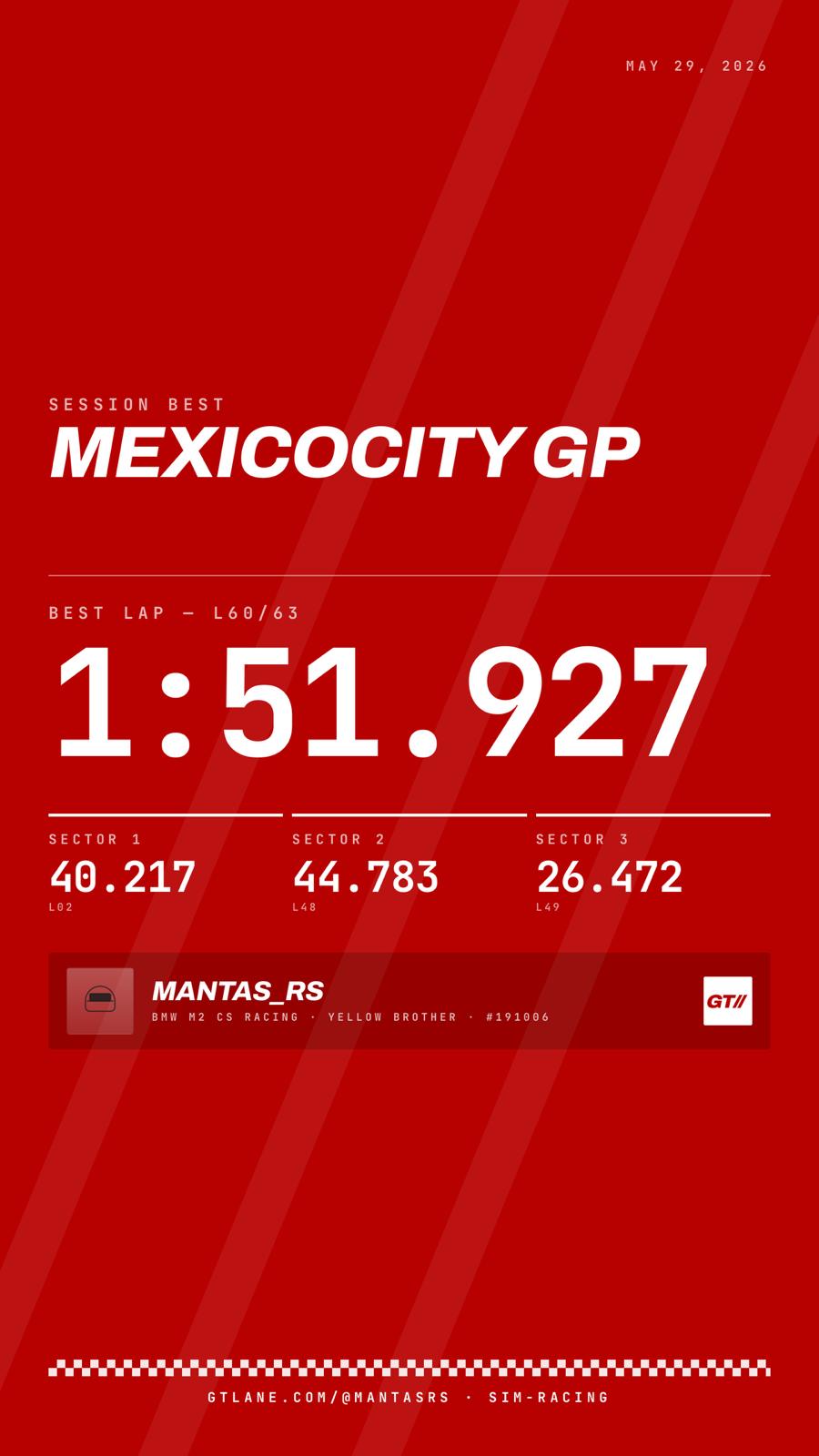
Story · 1080×1920
Full-height card for Instagram & TikTok stories. Your lap breakdown, ready to post the moment you climb out of the rig.
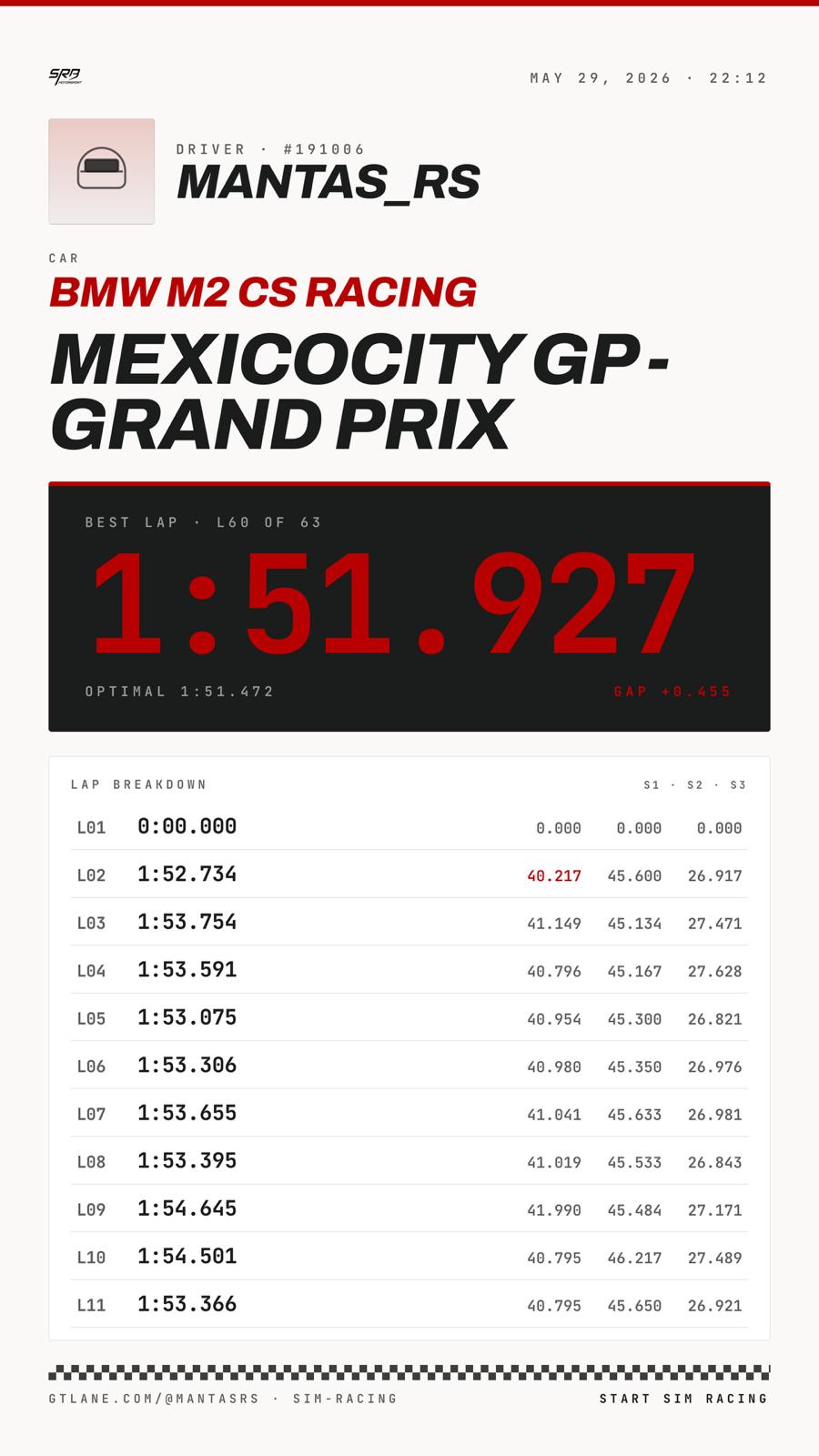
Square · 1080×1080
Feed-ready hero card with your headline lap time and a clean telemetry sheet for Instagram and LinkedIn.
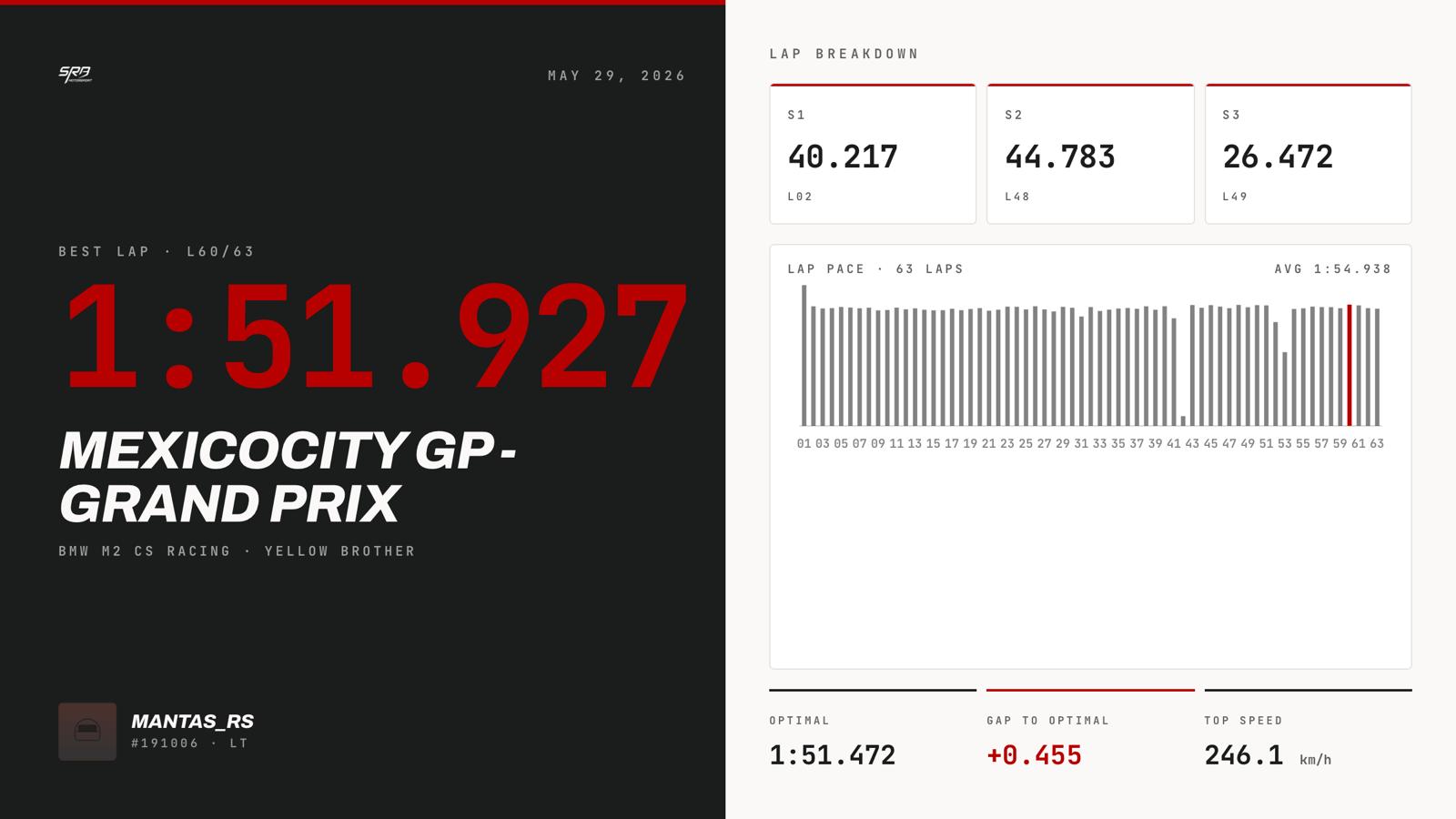
Landscape · 1200×675
Wide card sized for X and Facebook. The stat line that makes people ask which sim you run.
Your lap,
receipts attached.
Your driver identity
Racer name, number and nationality, pulled straight from your profile.
Best lap & sectors
Your fastest valid lap with sector 1 / 2 / 3 splits laid out clean.
Optimal lap & gap
The theoretical optimal from your best sectors, and how much time is still on the table.
Top speed
The fastest you went that session, stamped on the card.
Car & track
What you drove and where, so the lap has context at a glance.
Session date
When you set it. Your record, dated, receipts attached.
From stint
to story.
Drive a session
Your laps stream into GTLane from SimHub automatically, with nothing to set up per session.
Open the share builder
In your dashboard, pick the session you want to show off and choose a card format.
Download and post
Grab the PNG and drop it straight into your story, feed, or timeline.
Frequently asked questions
What gets shared publicly?
What sizes can I export?
Can I post to Instagram, TikTok and X?
Where does the data on the card come from?
Post your
next personal best.
Sign up free, connect SimHub, and turn your next great lap into a card the whole grid will see.